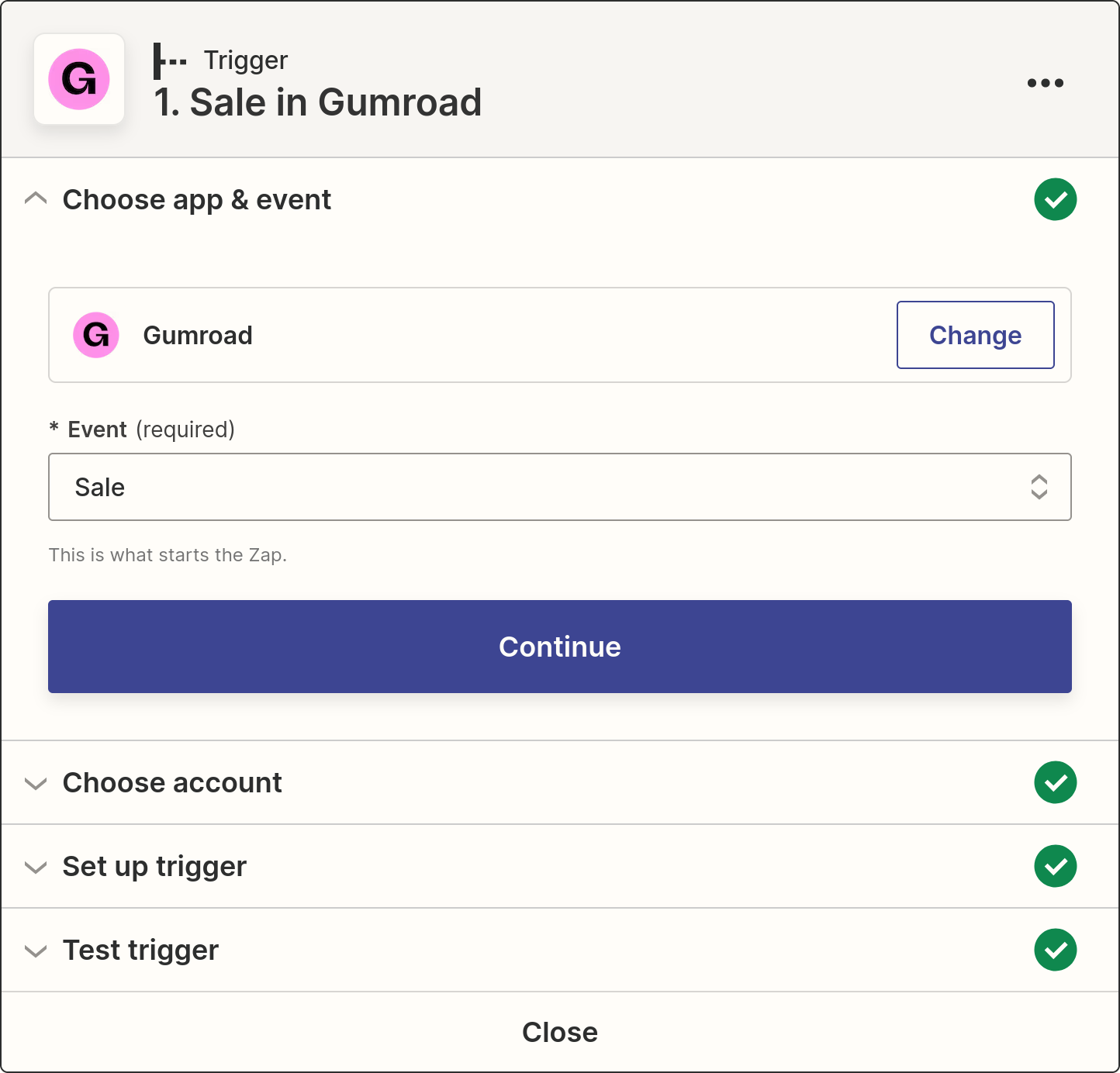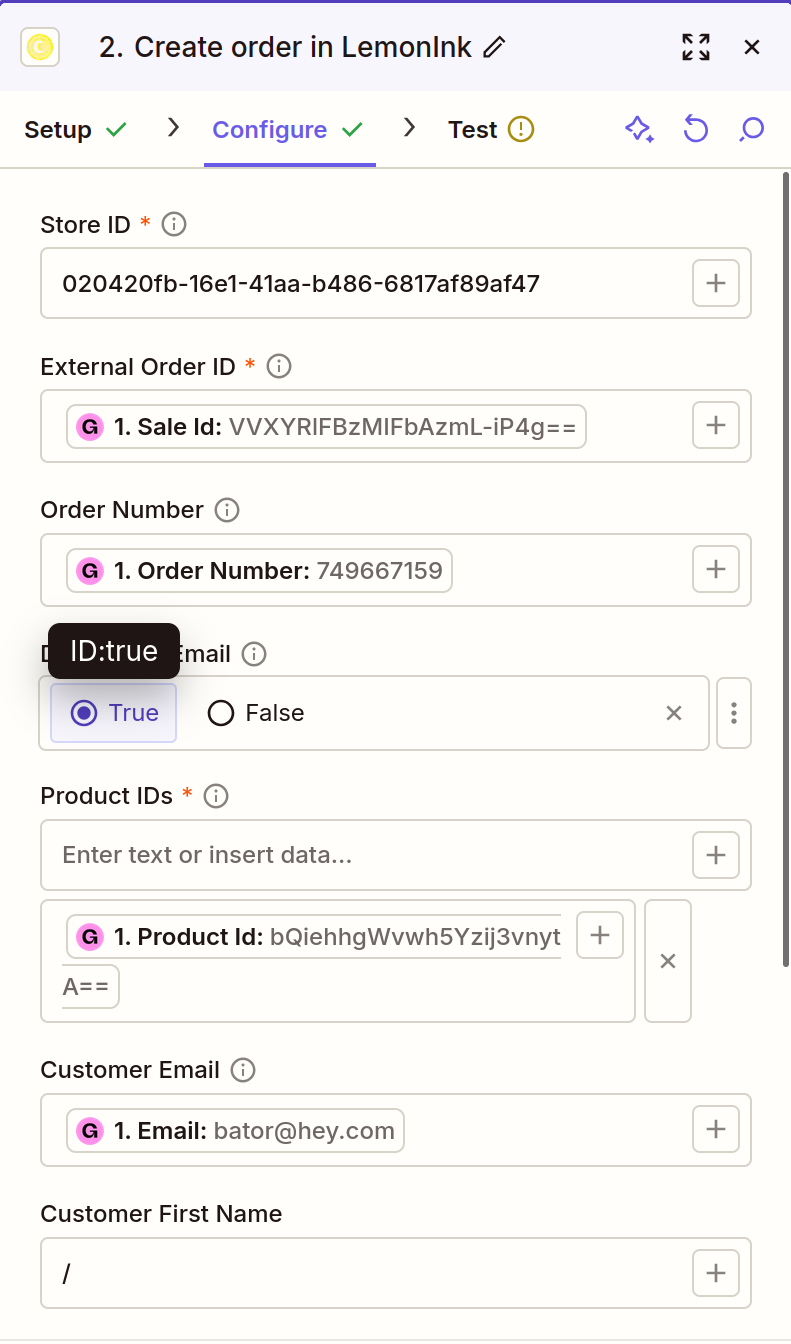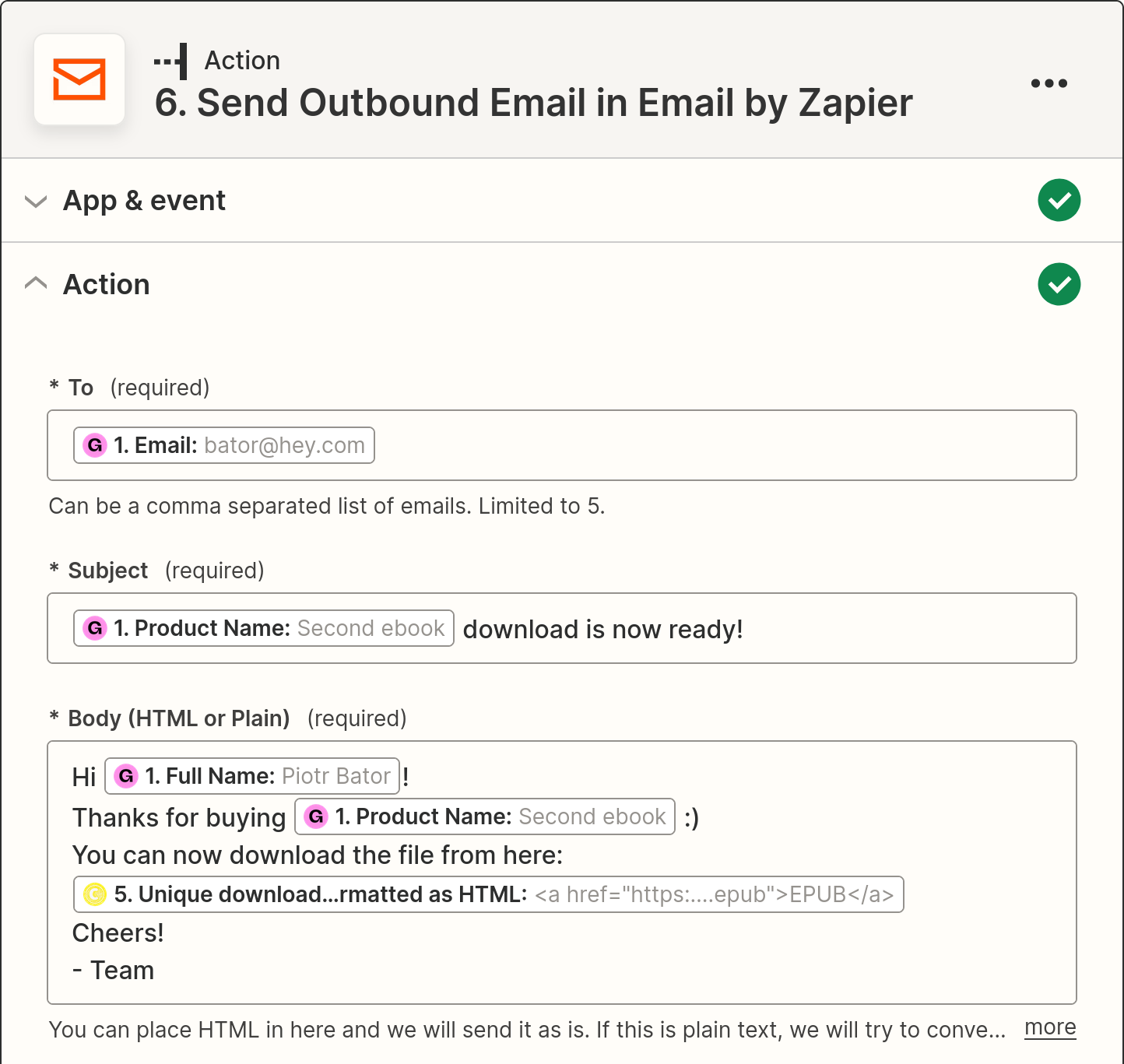

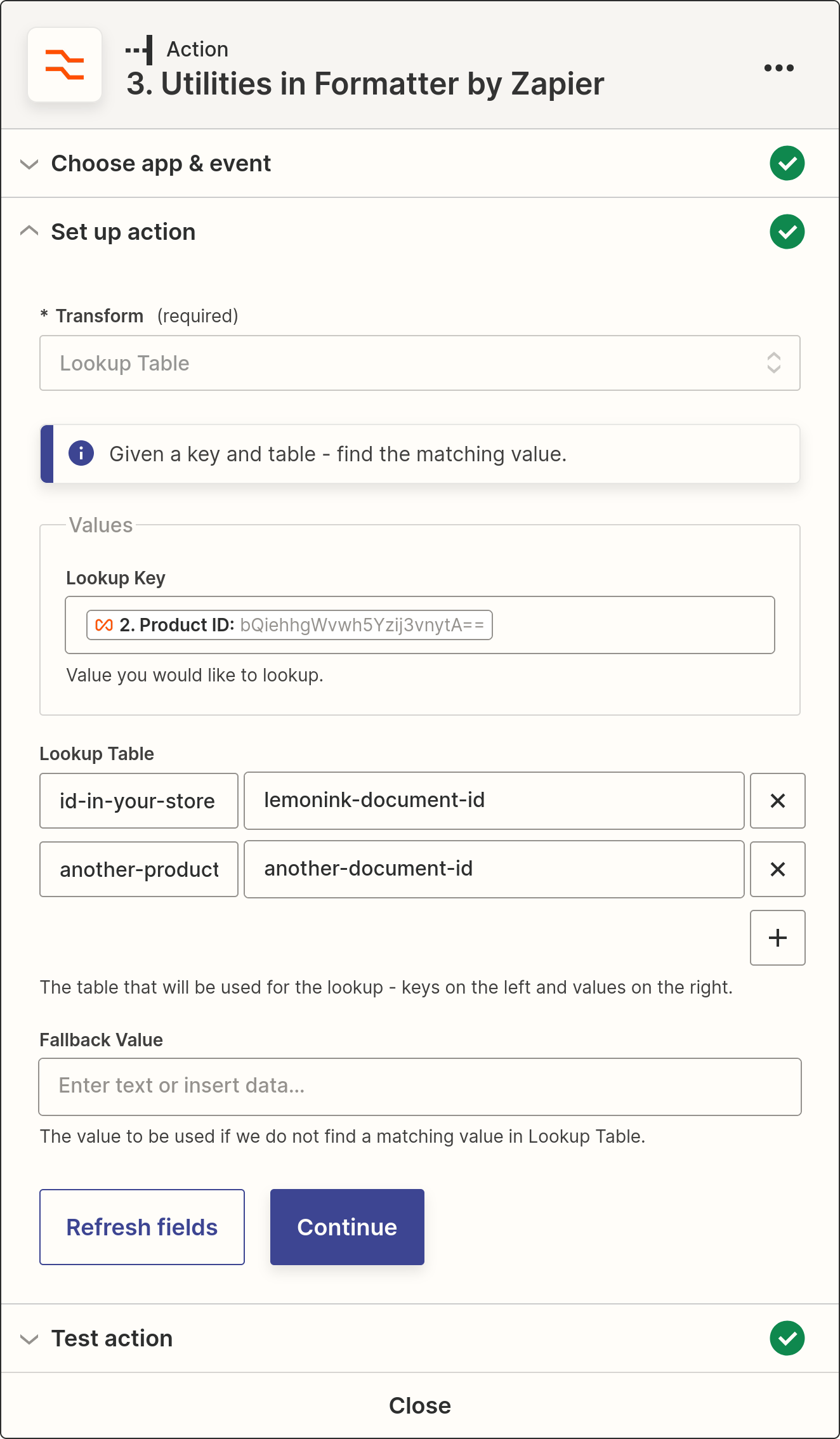
Before building your Zap, set up your store in LemonInk once.
- Go to the Stores section, add a new store and pick the "Custom" integration. Its page shows a store ID and an API key — we generate the key for you automatically, no need to create one by hand.
- In Your files, link each ebook product from your shop to the corresponding master file. Use the same product ID that your store sends when it notifies Zapier about new orders.
- Only link the products that need to be watermarked — LemonInk automatically skips any line item it doesn't recognise.
- Optionally, enable email delivery on the store so LemonInk sends the download link to your customers for you.